

There are two ways you could access your emails:
- Logging in to the web page, you would not receive any notifications.
- Connect to wifi
- Go to Safari (or the app you usually use to browse the internet)
- Browse to office.com

- Click ‘sign in’ and log in with your @csfoundation.org.uk details
When you get to the home page click on ‘Outlook’ and you will have access to your emails.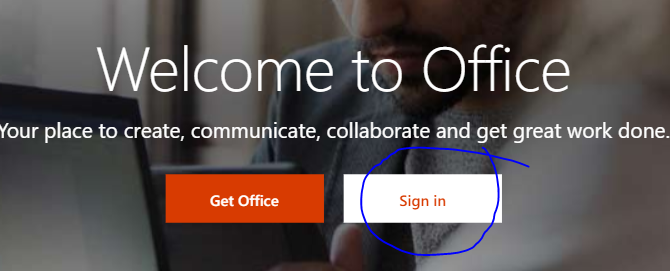

- Setting up your iPad’s mail app which would give you notifications every time an email is received.
- Open the Settings and scroll down to find the Passwords & Accounts then click to enter the settings.
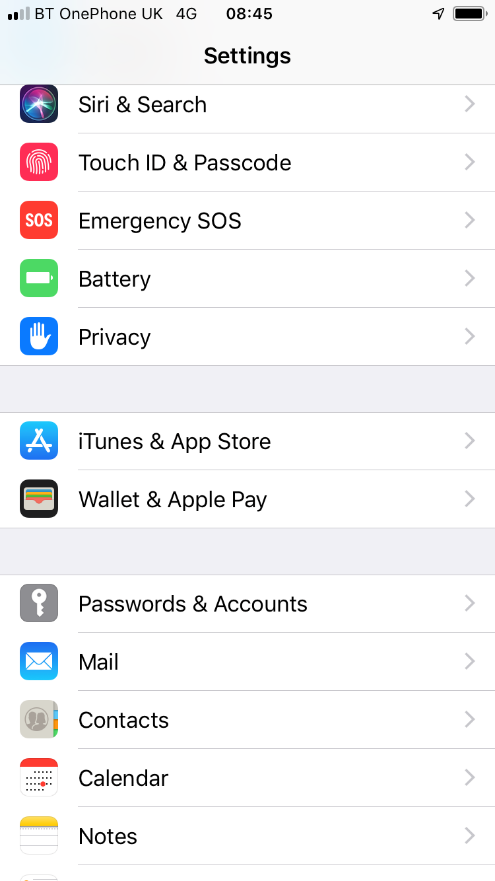
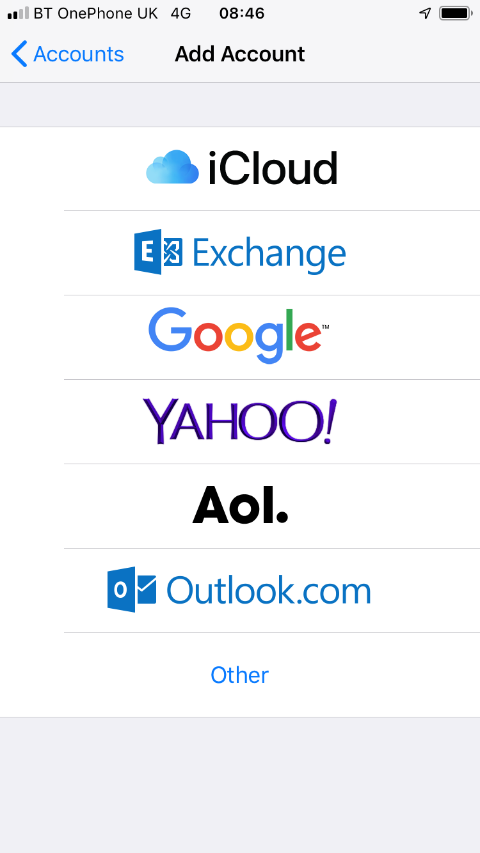
- Click ‘Passwords & Accounts’ and then ‘Add Account’
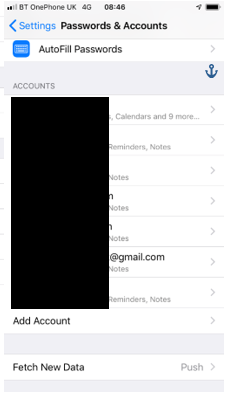
- In ‘Add Account’ click Exchange and enter your @csfoundation.org.uk email address. – Click next.
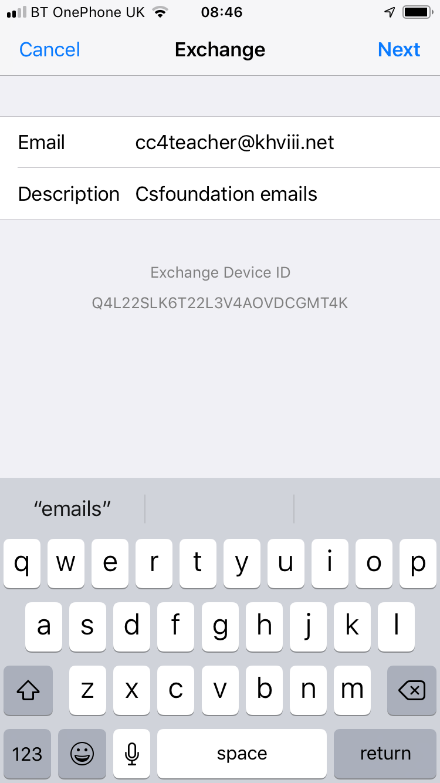
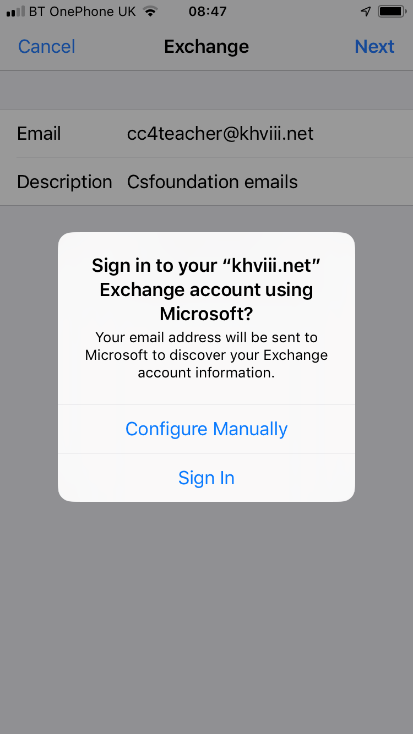
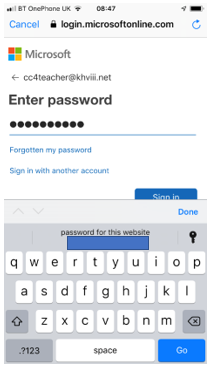
- Unless you have a very old version of iOS you should get a pop up like shown, click ‘Sign In’ and log in with your @csfoundation.org.uk address and password.
- Open the Settings and scroll down to find the Passwords & Accounts then click to enter the settings.
If you need further assistance, please email helpdesk@khviii.net