

PC/Mac:
- Ensure you are connected to wifi or network
- Go to the browser you usually use to connect to the internet.
 (Safari, Mac default)
 (Chrome)
 (Edge)
- Browse to office.com

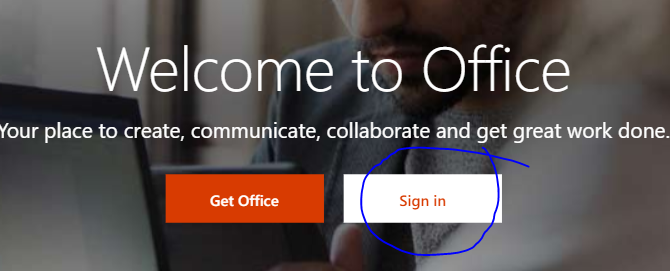
- Click ‘sign in’ and log in with your @csfoundation.org.uk details
When you get to the home page click on ‘Outlook’ and you will have access to your emails.

If you need further assistance, please email helpdesk@khviii.net