

You could restart (NOT just sign out) your PC. If you are already in the middle of work then you can follow these instructions instead.
If you find you are trying to get to T drive or save work but it says something similar to ‘Windows cannot access \\kin-media’ then you will likely need to remap.
-
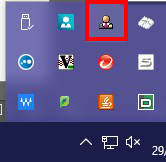
- Click on the little person icon by the clock on the bar at the bottom of the screen.

- If you are unable to see the icon, click on the small up arrow instead.

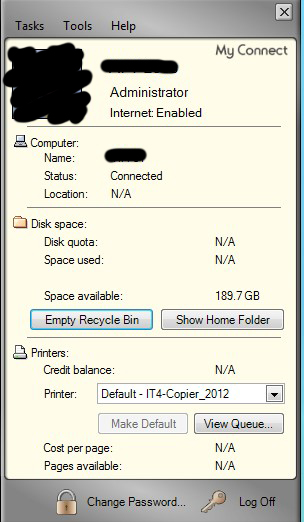
- Now click on the person icon to see My connect window.
- Once open, click on the Tasks Menu.
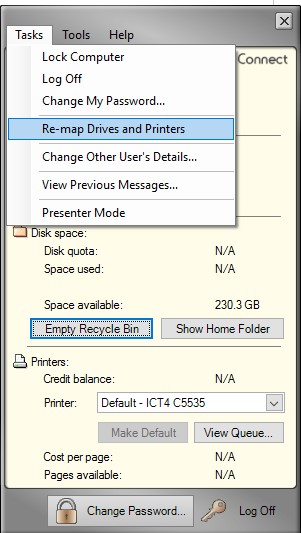
- And then choose re-map Drives and printers.
- Click on the little person icon by the clock on the bar at the bottom of the screen.